AI coding assistants are now part of daily development work for many teams. Some developers use GitHub Copilot inside VS Code. Some use Cursor as their main editor. Some keep ChatGPT open in a browser. Others are trying terminal-based tools like Claude Code or OpenCode.
At first, these tools may look like different interfaces for the same thing: ask a model a question, get some code back. That is partly true, but it misses the more important distinction. The difference is not only which model is smarter. It is where the tool sits in the developer workflow.
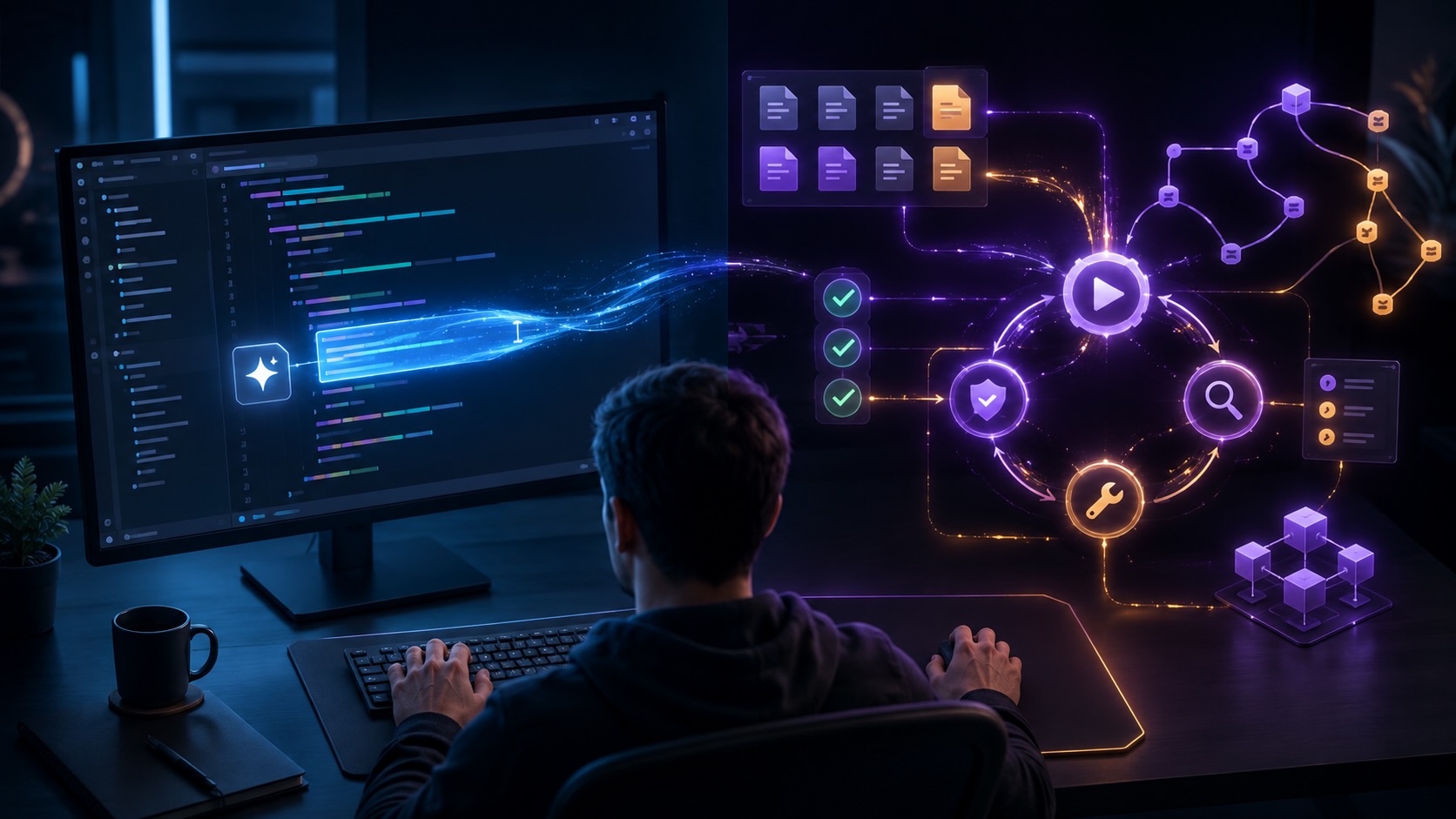
In-editor assistants help while you are writing code. Terminal-based coding agents help with more of the development loop: reading files, running commands, editing code, inspecting failures, fixing issues, and validating the result. That difference sounds small, but in real engineering work it changes what the tool is good at.
In-Editor Assistants: Help at the Point of Writing
An in-editor assistant sits where you type. It works inside tools like VS Code, Cursor, JetBrains IDEs, or editor extensions powered by services such as GitHub Copilot, or OpenAI Codex extension. The interaction usually starts from the file you are editing, the function you are writing, or the code you have selected. This makes it very useful for local coding tasks. It can complete a function, generate a test skeleton, explain a confusing block, or suggest a cleaner implementation. When the problem is already clear in your mind, the editor is a good place for AI support.
You may know that you need a validation function, a DTO mapping, a unit test, or a small API wrapper. You could write it yourself, but the assistant can produce a decent first version faster. You still review it, adjust it, and make sure it fits the codebase. This is practical help, not magic. In-editor assistants reduce friction during writing. They save small amounts of time many times a day, especially around boilerplate, syntax, common patterns, and small refactorings.
Their limitation is also connected to their strength. The editor is centred around editing. Even when the assistant has broader project context, the experience usually begins with code selection, file context, or a prompt inside the editor. It is naturally good at helping you shape code before or while you write it.
Terminal-Based Agents: Work Around the Development Loop
Terminal-based coding agents start from another place. Tools like Claude Code and OpenCode usually work from the command line, inside the repository, close to the shell, build system, package manager, and project scripts. That position gives them a different role. A terminal-based agent can inspect the project, search files, make edits, run tests, read command output, and continue from there. It is not only suggesting code; it can participate in the feedback loop.
This is closer to how real debugging and maintenance happen. A developer rarely solves everything by looking at one file. We run a test, see a failure, check another module, change something, run the test again, and repeat until the behaviour is correct.
That is why terminal-based agents feel different from autocomplete or chat inside an editor. Producing code is only part of the work. Running the project and seeing whether the change works is often the more important part.
The key word is validation. A generated patch is interesting. A generated patch that has been tested against the actual project is more useful.
The Difference Is Workflow, Not Intelligence
It is tempting to compare these tools by asking which one is smarter. That question matters, but it is not enough. A stronger model in the wrong place may still be less useful than a weaker model with access to the right feedback loop. An in-editor assistant is often best when the question is, “How should I write this piece of code?” A terminal-based agent is often better when the question is, “Can you make this change work in this repository?” These are related questions, but they are not the same.
The first is about expression. The second is about completion. Completion usually means checking assumptions against the real project, not just generating a plausible answer. This is where terminal-based agents can offer real value. They can work across files, run the test suite, inspect failures, and adjust the implementation. That does not mean they understand the system like an engineer. It means they can operate inside more of the environment where developers already work. The boundary is not perfectly clean. Cursor and modern VS Code extensions are becoming more agentic. Terminal agents are also becoming more integrated with editors. Still, the default experience is different. The editor is where code is shaped. The terminal is where the project answers back.
Where In-Editor Assistants Still Fit Better
It would be wrong to say terminal agents are simply better. Many development tasks are best handled inside the editor, with the developer directly controlling the flow. This is especially true for design-heavy, sensitive, or business-critical logic.
When you are writing a new domain model, changing business rules, or designing an API, you may not want an agent to move freely across the repository. Suggestions inside the editor are easier to accept, reject, or modify line by line.
This level of control matters. The AI helps, but the developer stays close to every decision. For many teams, that is exactly the right amount of assistance.
In-editor tools also have less ceremony. You do not need to define a larger task or wait for an agent to inspect the project. You write code, the assistant completes part of it, and you continue.
Where Terminal-Based Agents Become Useful
Terminal-based agents become more interesting when the task has movement. Fixing a failing test, updating a dependency, applying a small refactor across several files, or tracing a bug through the codebase are good examples.
These tasks require looking around. They require running commands, reading failures, and deciding what to try next. A terminal-based agent is useful because it is already placed near these activities.
For example, after a library upgrade, you might ask it to investigate a failing test. A useful agent can inspect the error, search the affected code, make a small change, run the test again, and continue until the result improves. That is more valuable than a generic explanation of what might be wrong.
There is risk, of course. An agent that can edit many files can also create unnecessary changes. It can fix the symptom instead of the cause. It can make a patch that passes one test but weakens the design.
So these tools work best in repositories with good tests, clear scripts, and version control discipline. The agent needs boundaries. Without boundaries, speed becomes noise.
What This Means for Teams
For engineering managers and tech leads, the useful question is not whether the team should use AI or avoid it. Many developers are already using these tools. The better question is where they fit into the engineering process.
In-editor assistants are easier to introduce because they behave like better coding support. They help developers write, explain, and refactor code while staying inside familiar workflows. The review model is simple because the developer sees the suggestion as it appears.
Terminal-based agents need more care. They can be powerful, but they touch more of the workflow. Teams should think about permissions, test expectations, commit hygiene, and review discipline before treating agent-generated changes as normal code.
A practical rule is to use agents where feedback is cheap and visible. Let them run tests, inspect failures, and propose patches. Keep humans responsible for design choices, production impact, security-sensitive changes, and final review.
This is not caution for its own sake. Software engineering is a responsibility chain. AI can participate in that chain, but it should not quietly replace the parts where judgement matters.
They Overlap, But They Are Not the Same
The boundary between these tools will keep blurring. Editors will gain stronger agent features. Terminal agents will become easier to use and more integrated with IDEs. Some tools will offer both experiences, and developers will move between them without caring much about the category.
Still, the distinction remains useful. In-editor assistants are strongest when they support the act of writing code. Terminal-based agents are strongest when they support the broader cycle of changing, running, failing, fixing, and checking the result.
The sensible approach is not to ask which tool is the future of programming. A better approach is to look at the work in front of you. If you are shaping a function or exploring an implementation, the editor is often the right place. If you are trying to get a change working across a real codebase, a terminal-based agent may be the better fit.
Suleyman Ataman, PhD

Leave a Reply