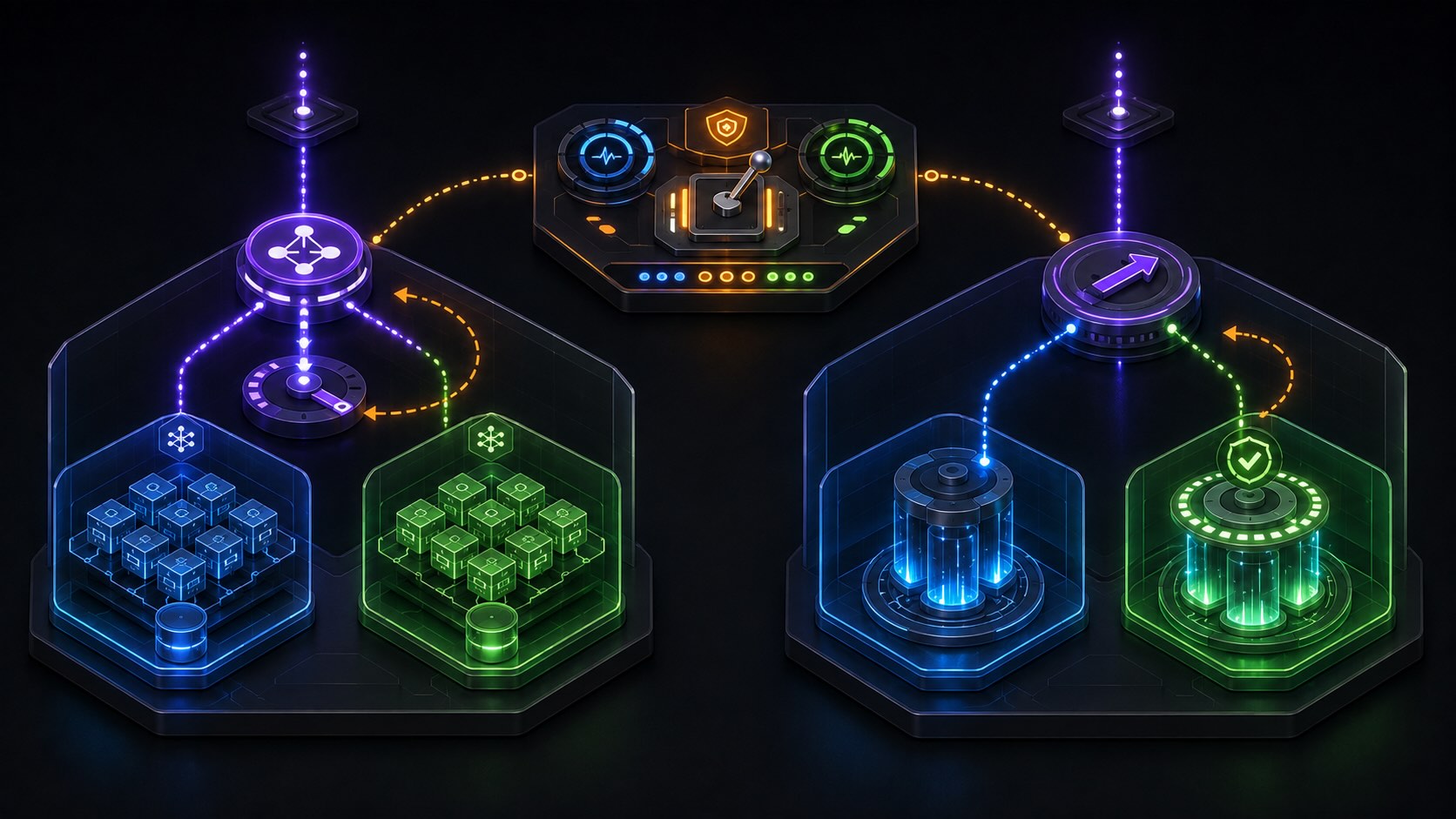
The basic idea of blue/green deployment is to run a new version beside the current one, send a small or full share of traffic to it, watch the signals, and cut over when you are confident. On AWS you have solid building blocks for this on both ECS and Lambda. In this guide I will keep the patterns small and repeatable, so you can lift them into most stacks without redesigning your platform.
What blue/green actually means in practice
In production you already have a version that serves users. Call it blue. You build and provision a second, identical set named green. You steer traffic so that users hit only one of them or a controlled split across both. You keep a fast path to roll back by switching traffic back to the stable side. The trick is not the labels, it is where you put the traffic switch and which signals you trust before you flip it.
There are three common places to switch traffic. At the load balancer or service router, at DNS, or at a function level alias. ECS fits best with a load balancer switch. Lambda fits best with an alias switch. DNS is useful when you want a very wide blast radius control or when your edge layer, such as CloudFront, owns the entry point.
ECS pattern 1: ALB with two target groups and CodeDeploy
Create one ECS service that knows about two target groups on an Application Load Balancer. Blue is the production target group, green is the replacement. When you push a new task definition, use CodeDeploy with the ECS blue/green configuration. CodeDeploy launches tasks for green, attaches them to the green target group, waits for the target group health checks to go healthy, then updates the ALB listener to point traffic from blue to green. If alarms fire or health fails, CodeDeploy shifts the listener back to blue.
This pattern is small and predictable. Health is coming from the same checks your users would hit, request success rate and latency stay honest, and rollbacks are a pointer flip. Store your alarms in CloudWatch and wire them to the deployment group so that cutover is blocked until metrics look safe. Keep the health check path very cheap, return 200 from a minimal endpoint that depends on all critical downstreams.
ECS pattern 2: weighted listener rules for canary
Sometimes you do not want an all at once cutover. With ALB you can add a rule that forwards a percentage of traffic to the green target group. Start at a small percentage, observe dashboards and error budgets, then raise the weight in a few steps. CodeDeploy supports this mode with linear or canary schedules and will update the rule weights for you. If you prefer manual control, you can edit the rule weights yourself, but keep a runbook right next to you so you do not get stuck in a half shifted state.
When you use weights, think about session stickiness and clients that retry. If you enable stickiness on the target group, some users will stay on blue while others stay on green. That is fine for many web apps, but be aware if you are measuring conversion or user flows during the canary, because uneven stickiness can skew the picture.
ECS pattern 3: DNS cutover at the edge
If your entry point is CloudFront and you have two origins, you can hold blue and green behind separate origins, then move the CloudFront behaviour from one origin to the other. You may also do the switch in Route 53 with two ALB records and weighted routing. This pattern is useful when you have many services behind the same edge and you want to test the new path end to end, including WAF rules, headers, and caching. It is less granular than the service level switch and health feedback loops can be slower, so only use it when you actually need the edge level control.
Lambda pattern 1: version plus alias with CodeDeploy canary
With Lambda the cleanest switch lives in the function alias. You publish an immutable version for each release and point a stable alias such as prod to a mix of versions. CodeDeploy integrates with Lambda to perform canary or linear traffic shifting on the alias. You define pre and post traffic hooks that run validation code, for example a synthetic call path, contract checks against downstreams, or a quick smoke against a private endpoint. CodeDeploy moves a small share of invocations to the new version, waits, checks alarms, and then completes the shift. If alarms trigger, it resets the alias to the old version.
This pattern needs careful alarm design. Use duration, error rate, and throttles. Add business level alarms such as payment failures per minute if you have them. Remember that cold starts and provisioned concurrency can influence the first minutes of a canary. Warm up provisioned concurrency for the new version ahead of time so that the canary is not dominated by start up cost.
Lambda pattern 2: shadow traffic with an asynchronous tap
Sometimes you want to exercise the new code without users seeing its output. For event driven flows you can tap the stream, SNS, SQS, or EventBridge bus and feed a copy to the green version. Store results in a separate sink and compare against blue. This is not a pure blue or green switch, it is a rehearsal that builds confidence before you flip the alias. It is very good for data pipelines and idempotent handlers. Be strict about side effects. The shadow path must not modify production state.
A rollback should be a pointer change, not a rebuild. On ECS keep both task sets warm long enough to confirm the new release is stable. On Lambda keep the previous version and the prod alias one click away from safety. On DNS keep the old record or origin disabled, not deleted, until you pass a fixed observation window. Make the rollback path part of your runbook and rehearse it on a less critical environment so that you learn the timing and the dashboards.
Datastores and contracts
Blue and green are easy when the database schema or event contracts do not change. Real systems often ship a migration with the new code. Prefer a two step migration. First deploy a backwards compatible schema that supports both old and new code. Then deploy the new application version. After the cutover and a calm period, remove the old fields or behaviour in a follow up release. Treat event formats the same way. Add new fields, keep old readers tolerant, and only remove after you have clear evidence that no old readers remain.
Health signals that matter
A target group passing a TCP probe is not enough. Use HTTP checks that touch a path which requires all the downstreams you care about. Watch p50 and p95 latency, 4xx and 5xx rates, and saturation indicators such as queue depth and CPU. If your system has a core business metric, watch that as well. Tie these alarms into CodeDeploy so that a bad canary never completes. For Lambda also watch concurrent executions and provisioned concurrency utilisation, since a misconfigured provisioned pool can look healthy while the real traffic suffers.
Secrets, environment, and parity
Blue and green should be identical from the outside. Use the same VPC subnets, security groups, and IAM roles. Mount the same secrets through SSM Parameter Store or Secrets Manager. If you need a new environment variable for the green release, declare it in a way that does not break the blue tasks. For Lambda keep version level environment variables minimal and prefer configuration that lives in parameters fetched at cold start, because that keeps version churn lower.
Cost and capacity planning
Blue and green doubles something for a while. On ECS you run two task sets. On Lambda you may run two provisioned pools if you use provisioned concurrency. Plan a budget for the overlap window and keep it short. Scale down blue soon after cutover, but not instantly. Leave enough time to be confident in the new version, then retire the old one to take back capacity.
Putting it together in a small pipeline
You can keep the pipeline simple. Build a container image or publish a Lambda version. Register a new ECS task definition or a new Lambda version. Trigger CodeDeploy with the right deployment group. Let alarms act as guards. After the switch completes, run a small set of live post checks. If anything looks off, use the one click rollback. If all looks good, clean up the retired side.
The winning move with blue and green is discipline rather than complexity. Keep the switch in one place, wire signals that truly reflect user experience, and make rollback mechanical. Once you have this in place, your teams will ship faster because confidence replaces drama.
Suleyman Cabir Ataman, PhD

Leave a Reply